 MyPwdTool
What it is
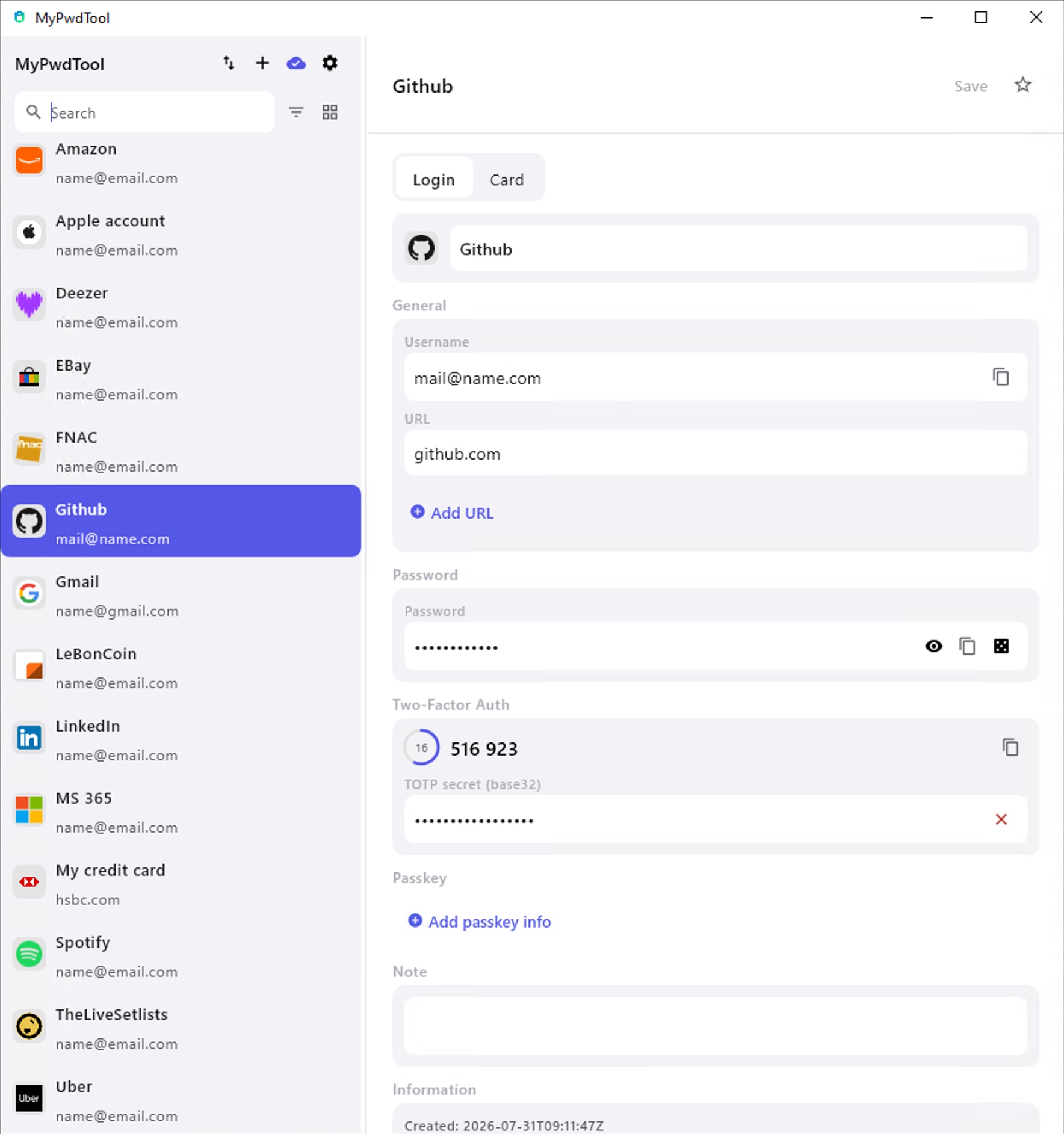
MyPwdTool for Windows is a native desktop app built on the same encryption and sync engine as the macOS and iOS apps — the exact same key derivation, per-field AES-256-GCM encryption, and sync protocol described in Security & Encryption and Synchronization apply identically here. Feature-wise, it’s at parity with the macOS app — multiple vaults, TOTP codes, password health & breach checking, backup/export, activity log, and the full UI translated into English, French, German, and Spanish. The one thing it can’t do is listed below, along with a few platform-integration differences.
Creating a sync group
Like every other platform, Windows can both join an existing sync group for free and create a new one (or invite further devices into one it already created) with the same yearly subscription described in Subscription & Pricing — billed here via Lemon Squeezy, from directly inside the app’s paywall screen. Full equivalence with macOS, iOS, and Android: the subscription just needs to exist somewhere in the group, on whichever platform was most convenient to pay from.
Chrome, Edge & Firefox extensions
The same autofill/save experience as the macOS Chrome and Safari extensions is available on Windows, via a small companion process the main app installs and registers with Chrome, Edge or Firefox automatically the first time you connect the extension — no manual registry editing needed. See Browser Extensions & AutoFill for the step-by-step setup.
Quitting the app
To completely quit the app on Windows, right-click the MyPwdTool icon in the taskbar or in the system tray (the icons area next to the clock), then select Quit. Closing the window alone only hides the app, so it keeps running in the background.
Current limitations
- No biometric unlock. Windows Hello integration isn’t implemented — unlocking always uses your master password.
- The Chrome/Edge/Firefox extensions can’t unlock a locked vault by themselves. Unlike on macOS, where you can type your master password directly into the extension’s popup, on Windows you need to unlock the main MyPwdTool window first before the extension can fill anything.
Distribution
Two ways to get MyPwdTool on Windows:
- Microsoft Store (recommended): signed automatically by Microsoft’s free Store signing (no paid code-signing certificate needed), and updates itself automatically. Already on Windows? open directly in the Store app.
- Direct download (alternate, not recommended): an unsigned
.msi/.exeinstaller (see the limitations above) for anyone who prefers not to use the Store.
See download page.